# Procedural Building Blueprint
Where to find it: *.../CityCore\_Paris/Blueprints/BP\_ProceduralBuilding*
### **Procedural Buildings - Video Tutorial:** [**Procedural Buildings - Video Tutorial** ](https://youtu.be/fFPkzv92OpI?si=LpPTr0qLGqc4TQp9\&t=15)
The Procedural Building Blueprint is an advanced spline-based blueprint designed for generating highly customizable buildings. It features detailed adjustments to the building’s shape, corners, mouldings, levels, materials, facades, rules, or interior, and supports extensive customization through presets and randomization.
{% hint style="danger" %}
The **Geometry Script Plugin** is required for procedural generation of roofs and floors. You have to enable it from the Plugins tab and restart the editor to apply the changes.
{% endhint %}
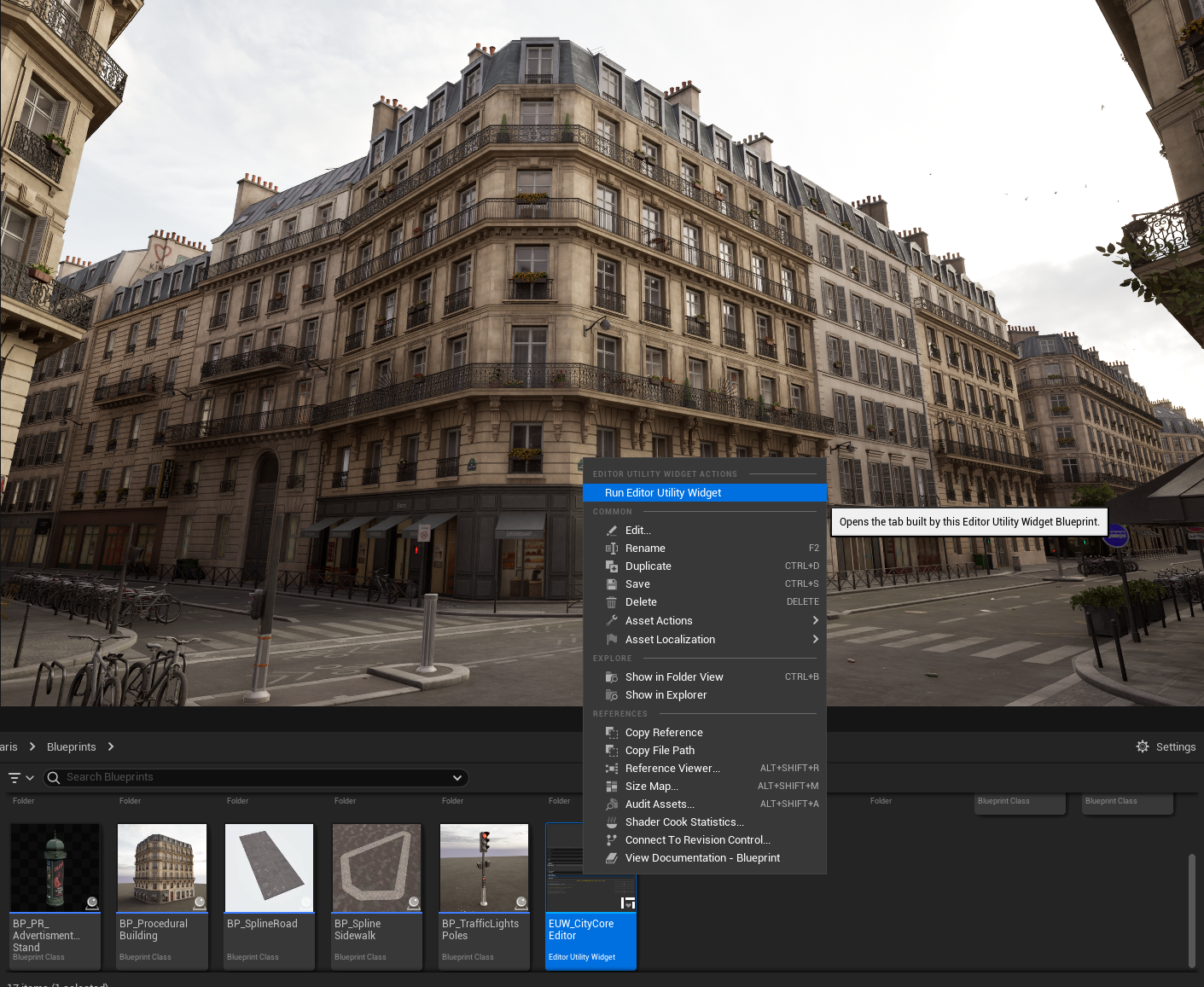
To begin, drag the Procedural Building Blueprint into your level.
Once the blueprint is in your scene, open the Editor Utility Widget “City Core Editor”.
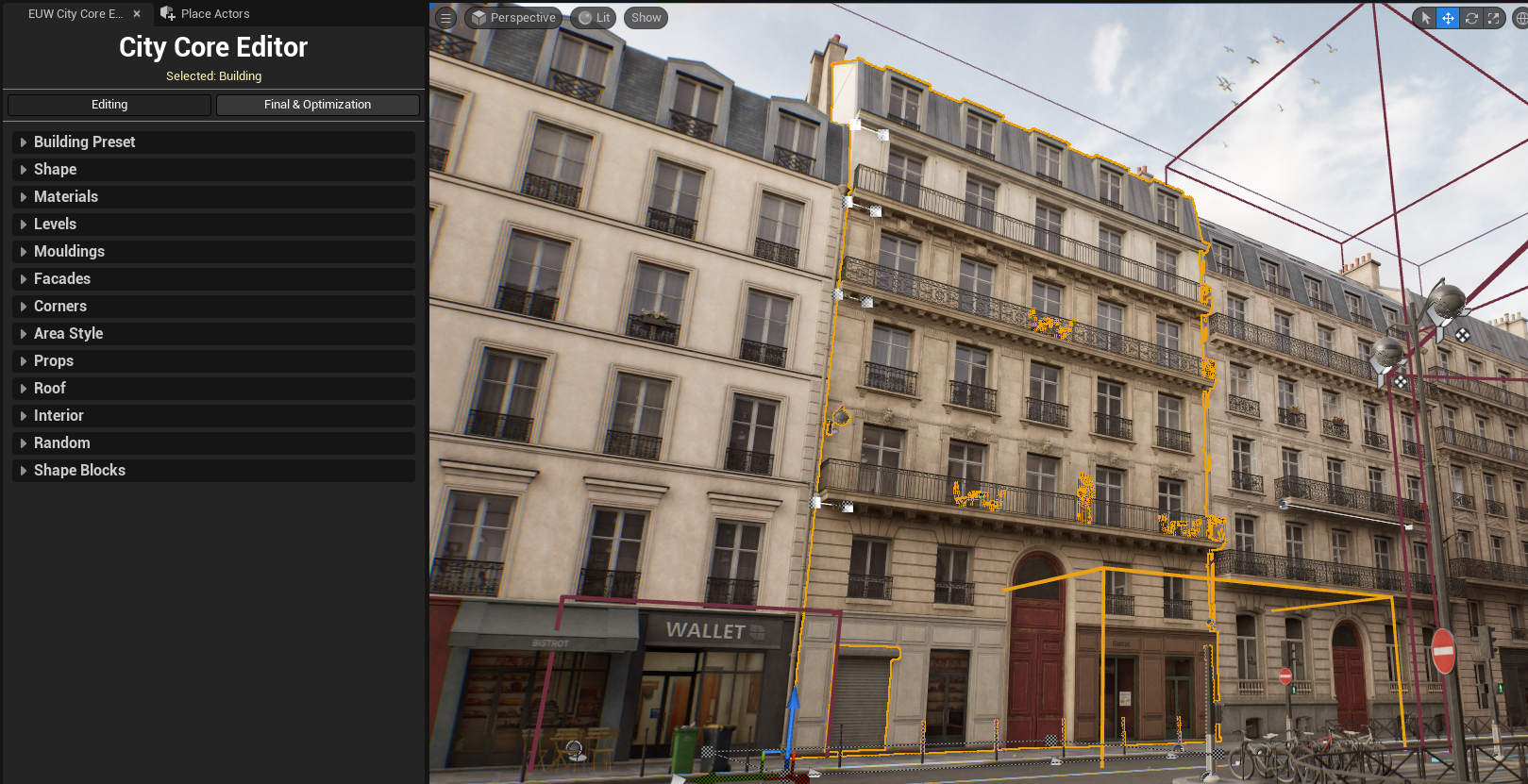
After selecting a building, the interface appears, allowing you to adjust nearly every aspect of the building's design.
## **This Blueprint SHOULD be transformed into a Final Blueprint before packaging!**